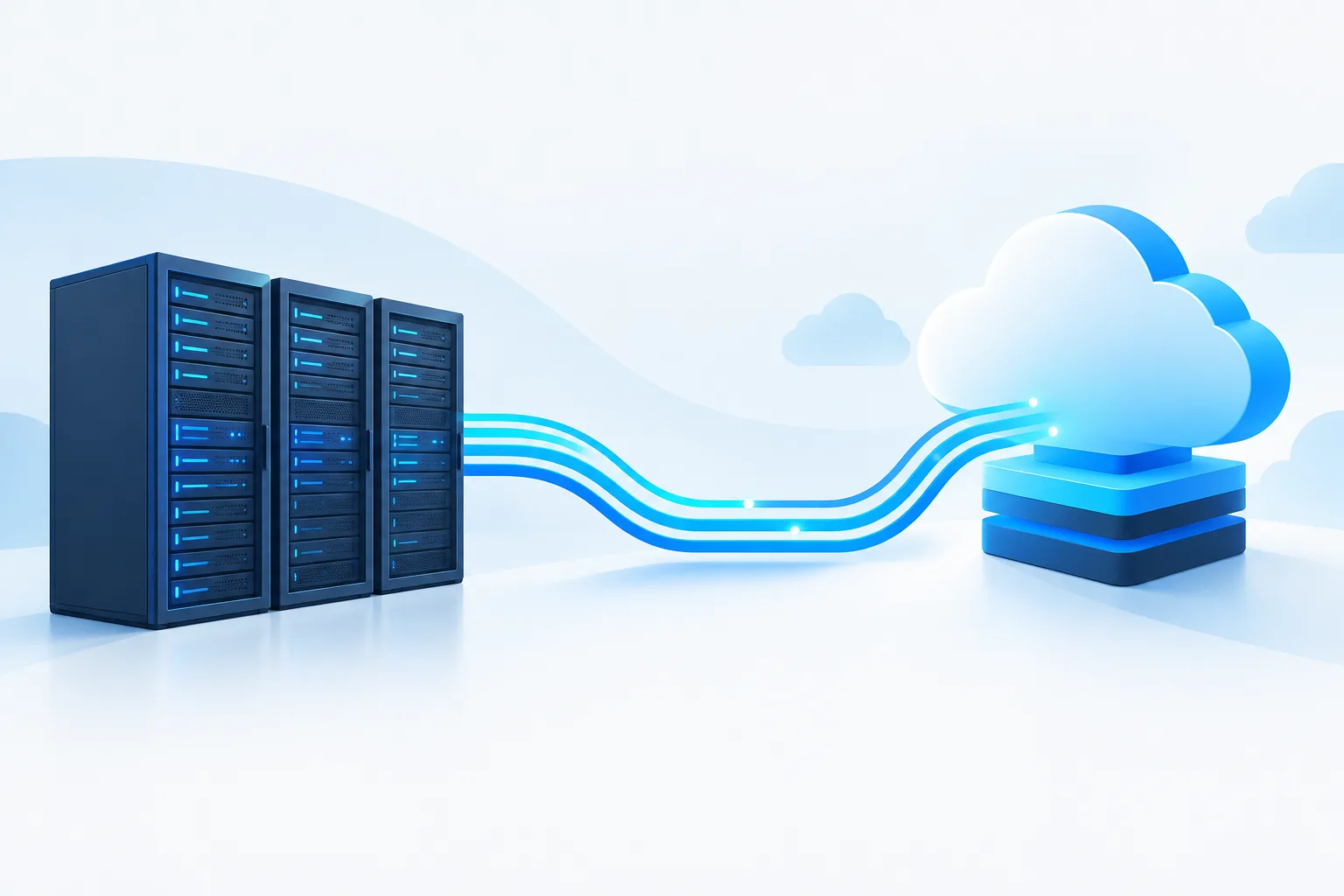
To migrate Linux workloads to the cloud with minimal downtime, treat the move as a controlled change to an entire application, not just a server copy. The operating system, database, background jobs, integrations, network paths, and people who depend on the service all affect whether the new environment is ready.
A practical Linux cloud migration plan sets acceptable service interruption and data-loss limits, prepares the destination, replicates and tests the workload, then switches traffic only after clear checks pass. It also defines who can stop the move and how to handle writes if rollback becomes necessary.
Assess the workload and define the limits
Start by mapping what the Linux workload needs to operate. Record its distribution and version, packages, configuration, storage, network rules, scheduled jobs, certificates, external integrations, and dependencies on other systems. Include operational details such as how backups run, how staff monitor the service, and how users reach it.
Pay particular attention to dependencies that may not be visible in a server image. An application may rely on a database, shared file storage, a mail relay, an identity service, or a partner connection. Document which components communicate, where data is written, and what must be available for the application to work after migration.
Agree on the acceptable interruption and data-loss limits with business and technical stakeholders before choosing a method. The limits inform whether the team can schedule a brief write pause, needs continuous replication, or should migrate related components together. For a detailed starting inventory, see the Linux server migration inventory checklist.
Prepare the cloud target before copying production
Build the destination to match the workload’s operational needs, not merely its current server shape. Confirm the Linux distribution, compute and storage configuration, network access, identity and permissions, firewall rules, backup destination, monitoring, and recovery process. Decide how secrets and certificates will be transferred and protected.
Check that the target can reach required services and that only intended traffic can reach it. Make sure the team can administer and observe the new environment before the production move. A copied workload that cannot be securely accessed, monitored, or recovered is not ready for cutover.
Cloud choices and operating details differ across providers. Zevonix lists cloud services for AWS, Azure, and Google Cloud. Its managed Linux cloud infrastructure overview can help readers consider the operational work involved in a cloud environment.
Replicate carefully and protect data consistency
Linux server replication can move the initial system and data to the destination while changes continue on the source. Depending on the migration approach, later changes may be copied repeatedly so the target can catch up before traffic moves. Replication reduces the amount of copying that must happen during the final window, but it does not by itself prove the application is consistent or ready.
Handle databases according to their own consistency and recovery requirements. A server-level copy taken while a database is actively changing may not be a safe application recovery point. Use an appropriate database replication, backup-and-restore, or synchronization method, and verify that it has completed successfully. For the final transition, the plan may need to pause application writes, allow in-flight work to finish, synchronize remaining changes, and confirm the database is ready before users are sent to the cloud.
Include background jobs and integrations in the same plan. If both source and destination run scheduled jobs or accept writes at once, they can create duplicate work or conflicting data. Define which environment is authoritative at each stage, and prevent the inactive side from processing production work.
Test the cloud copy without affecting production
Keep migration testing isolated from live users and production data flows. Block public access or use controlled test access, and disable jobs or integrations that could send real messages, update external systems, or change records. Use test data where appropriate and confirm the test environment cannot accidentally become a second production writer.
Check more than whether the server boots. Validate application behavior, database connections, file access, authentication, permissions, scheduled tasks, logging, monitoring alerts, backup completion, and expected network routes. Exercise important user workflows and review application and system logs for errors. Compare results with agreed acceptance criteria rather than relying on a general impression that the site or service appears available.
Record test outcomes, unresolved issues, and the person responsible for each decision. If the workload has sensitive information or operational approval requirements, include relevant stakeholders in the review. Access controls, encryption, audit evidence, backups, monitoring, and sign-off should be considered as migration checkpoints, especially for healthcare, financial, legal, and nonprofit organizations.
Rehearse the cutover and rollback
Write a runbook that describes the cutover in order, names the decision owner, lists the go/no-go checks, and identifies the latest safe point to roll back. Include who communicates with users, who checks the application, and who controls traffic and data synchronization. AWS’s pre-cutover guidance is one reference for organizing readiness checks before the change.
Rehearse the steps in a non-production setting when practical. Confirm that the team knows how to pause writes, complete the final synchronization, direct traffic to the target, verify service behavior, and restore the previous route if checks fail. The rehearsal should also expose missing access, unclear ownership, and steps that take longer than expected.
Run the final migration cutover
At the agreed window, confirm the go/no-go criteria before changing production. Pause or drain writes as planned, stop source-side jobs that must not run twice, complete the final database or data synchronization, and verify its status. Then direct traffic to the cloud environment using the planned network or routing change.
Validate the service from the user’s perspective and check application health, database behavior, logs, alerts, and key integrations. Keep the source available but fenced off from production writes until the new environment has passed its acceptance checks. AWS’s cutover guidance describes the final transition as a distinct migration stage that should be planned and verified.
Do not retire the source merely because traffic has moved. Keep it available according to the agreed rollback plan, and decommission it only after the cloud workload is accepted and the team has confirmed the required backups and operational handoff.
Make rollback a data plan, not just a traffic change
Set explicit rollback triggers in advance, such as failed application checks, unacceptable errors, or a critical integration that does not work. The decision owner should be able to compare the observed issue with those criteria and call the decision promptly.
Rollback is more complicated after the cloud environment has accepted writes. Switching traffic back without reconciling those changes can leave records missing or create two competing sources of truth. Define the latest safe rollback point and the exact steps for handling writes: whether to pause them, copy cloud-side changes back, restore from a known recovery point, or use another tested reconciliation method. Do not allow both environments to accept production writes unless the architecture and procedure explicitly support it.
Monitor the new environment and close the move
After cutover, watch service health, performance, logs, backups, replication status where applicable, and alerts. Check in with the people responsible for the application and its users, and document any issues and fixes. Confirm that the backup and recovery process works for the cloud environment rather than assuming the old procedure still applies.
A migration is complete when the target is operating as intended, the team can support and recover it, and the source can be retired safely. Zevonix provides Linux server management, cloud infrastructure, backup and disaster recovery, and 24/7 Linux support and monitoring. If you are planning a move, discuss the workload, data consistency needs, and rollback criteria with Zevonix before setting the cutover window.