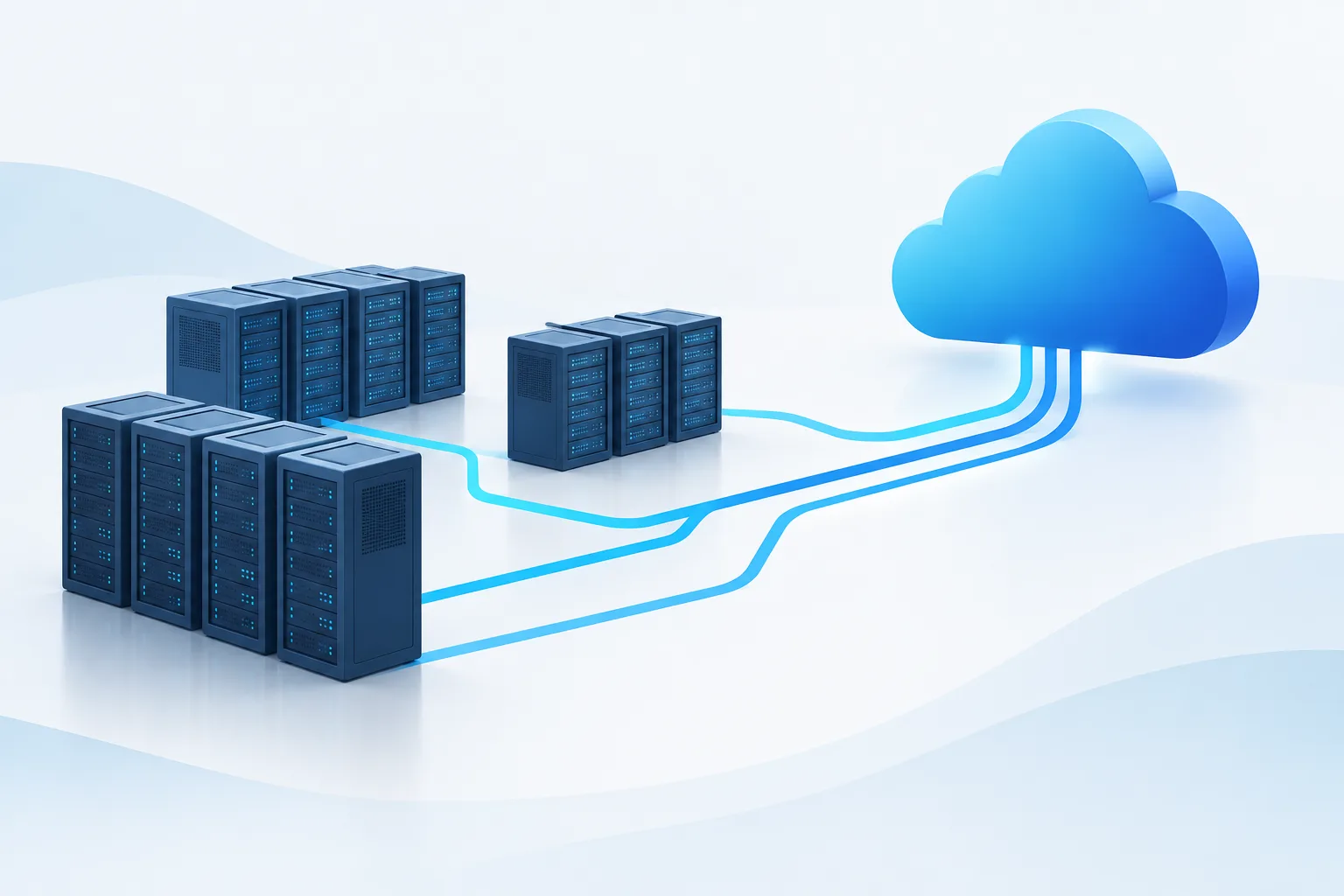
A useful Linux server migration inventory checklist does more than record hostnames and disk sizes. It helps your team understand what each server supports, how systems depend on one another, what the business needs during a disruption, and which constraints could affect a move to AWS, Azure, or Google Cloud.
Collect evidence from configuration management, monitoring, package managers, service definitions, firewall rules, backups, and the people who run the applications. Then validate it. A list built only from old documentation can miss temporary jobs, seasonal demand, or dependencies that are not obvious during a routine review.
Cloud discovery tools can help collect information about existing environments. AWS describes its discovery process and collected data in its Application Discovery Service overview. Treat tool output as a starting point, not a replacement for application-owner review.
Start with business ownership and criticality
Before comparing cloud configurations, establish why each server exists and who can make decisions about it. Record:
- Business owner and technical contact: Name the people who can confirm purpose, dependencies, acceptable downtime, and test results.
- Business function: Describe the application or service the host supports, including users or business processes that rely on it.
- Criticality and operating schedule: Note when the system must be available, known peak periods, maintenance windows, and any batch or scheduled processing.
- Migration constraints: Record vendor dependencies, licensing considerations, support requirements, and systems that cannot move at the same time.
- Disposition: Mark whether the system is a candidate to move, retain, retire, or defer pending further investigation.
Ask owners to verify these details. An outdated server name or unclear owner can delay decisions later, especially when teams need to approve testing or a rollback.

Document the Linux host and software stack
Build a host record that captures the installed platform and how it is actually used. Include the Linux distribution and release, kernel details, architecture, hosting location, and whether the server is physical or virtual. Record how it is provisioned and managed, including configuration-management tools and any manual changes that are not reflected in code or documentation.
Inventory installed packages, repositories, running services, scheduled jobs, and application-specific configuration. Package managers and service definitions can reveal what is installed and enabled, but they do not always explain why it is there. Confirm the purpose of unusual packages and services with the team responsible for the application.
Also document:
- Application and runtime versions, including language runtimes and web or application servers.
- Database software, extensions, replication settings, and connections to databases hosted elsewhere.
- Secrets, certificates, keys, and other sensitive configuration, without copying secret values into the inventory.
- Startup order, service accounts, permissions, and dependencies on local files or directories.
- Vendor-supported platforms or configurations that may limit migration choices.
For platform-specific considerations, see Zevonix’s guide to Red Hat and Debian environments. The goal here is not to select a distribution from a comparison alone, but to capture what the existing application requires.
Map application and Linux server dependencies
A server rarely operates in isolation. Map the connections and processes required for its services to work, including dependencies that appear only during particular jobs or operating conditions.
For each relationship, record the source and destination, purpose, protocol, port, direction, and whether the connection is required continuously or only under specific circumstances. Include dependencies on other servers, databases, identity services, DNS, time services, storage, external APIs, monitoring, backup systems, and administrative access paths.
Use network flow data, firewall and security-group rules, load balancer settings, DNS records, service configuration, and application logs as evidence. Then review the map with application owners and network administrators. A permitted firewall rule does not prove that a connection is actively used, while a quiet period in monitoring does not prove a dependency is irrelevant.
Check for less frequent activity as well: maintenance tasks, reporting, failover, data imports, and scheduled batch jobs. Note which systems must move together and which connections will need to change when servers receive new network addresses or routes.
Record network and security requirements
For each host and application, document current IP addresses, subnets, DNS names, routes, firewall rules, and required inbound and outbound traffic. Identify whether addresses are hard-coded in application settings, scripts, allowlists, or partner integrations. Record load balancer behavior and any assumptions about network location or trusted zones.
Inventory access controls as well as traffic rules. Include administrative access methods, user and service accounts, authentication dependencies, privileged access, logging destinations, and patching responsibilities. Do not place passwords, private keys, or other secret material in a general migration spreadsheet. Record where secrets are managed and who is authorized to handle them.
Capture compliance and data-handling requirements that may influence cloud services, regions, access controls, logging, and retention. Identify the relevant data types, ownership, location constraints, audit needs, and required security configurations. Have the responsible security or compliance stakeholders validate the interpretation before using it to make a design decision.
Measure storage, performance, and capacity
Cloud sizing based on a single snapshot can be misleading. Gather performance information across ordinary workloads, peak activity, maintenance periods, and scheduled processing. Record CPU and memory usage, disk capacity and utilization, I/O behavior, and network throughput. Include the source and observation period for each measurement so reviewers can judge whether it represents normal or unusual activity.
For storage, document each filesystem and mount point, its purpose, capacity, used space, growth trend, and performance needs. Note whether data is local, shared, replicated, temporary, or backed by an external storage service. Identify file ownership, permissions, retention needs, and any application assumptions about paths or filesystem behavior.
These details help distinguish a simple capacity match from a workload with specific performance or storage requirements. They also help estimate how much data must move, how long synchronization may take, and what must be checked after cutover. If performance evidence is incomplete, record the gap rather than treating an estimate as a measured requirement.
Make recovery and rollback part of the inventory
Migration planning needs clear recovery requirements, not just a statement that backups exist. For each application, record the acceptable recovery time and recovery point, the backup method and owner, retention expectations, and the last time a restore was tested. Identify whether the backup covers databases, application files, configuration, and any data stored outside the server.
Define what rollback would mean for each system. Record how the original environment will remain available, how changes will be synchronized, which validation checks must pass, and what conditions would trigger a return to the previous environment. Name the person or role authorized to make that decision, along with the people who must be informed.
Consider data consistency carefully. If users or applications write data during migration, specify how those changes will be handled during cutover and, if rollback occurs, how to avoid losing or duplicating them. NIST’s contingency planning guidance is a useful reference for thinking through recovery roles and procedures. Adapt the planning to your systems and have the appropriate stakeholders review it.
Turn the inventory into a migration plan
When the records are validated, group systems by application dependencies and business needs. Use the evidence to decide which servers can move together, which require a redesign or additional testing, and which are better retained, retired, or deferred. Flag unknowns as work items with an owner instead of letting them disappear into planning notes.
A practical inventory is also a baseline for cloud sizing and post-migration checks. It gives teams a way to compare the new environment with observed workload behavior, confirm that critical connections work, and test recovery procedures. For help thinking about ongoing infrastructure operations, read Zevonix’s overview of managed Linux cloud infrastructure.
Frequently asked questions
What information should I collect about each Linux server?
Capture its owner, business purpose, Linux distribution and release, installed software, services, configuration, dependencies, network requirements, storage, performance, security controls, and recovery needs. Record evidence sources and have responsible owners validate important details.
How can I find dependencies between Linux servers?
Review network flows, firewall rules, DNS, application configuration, service definitions, logs, and scheduled jobs. Confirm findings with application and network owners, and look for dependencies that appear during maintenance, batch processing, or failover.
What performance data helps with cloud sizing?
Gather CPU, memory, disk capacity and utilization, storage I/O, and network throughput across representative operating conditions. Include usage peaks and growth trends, and note gaps where measurements are unavailable.
What should a rollback plan include?
Document recovery requirements, backups, data synchronization, validation checks, rollback triggers, decision authority, and communication responsibilities. Confirm how the original environment and any new writes will be handled if the move is reversed.
Conclusion
A validated inventory makes cloud decisions more grounded: teams can see what each Linux server supports, what it depends on, and what must be protected during a move. Start by assigning owners to the inventory, then review the evidence and unresolved questions with your application, infrastructure, and security teams before selecting a migration approach.